# Telegram Bot

Telegram Bot: You can enhance your Telegram channel with DappLooker DataBOT by following these steps:

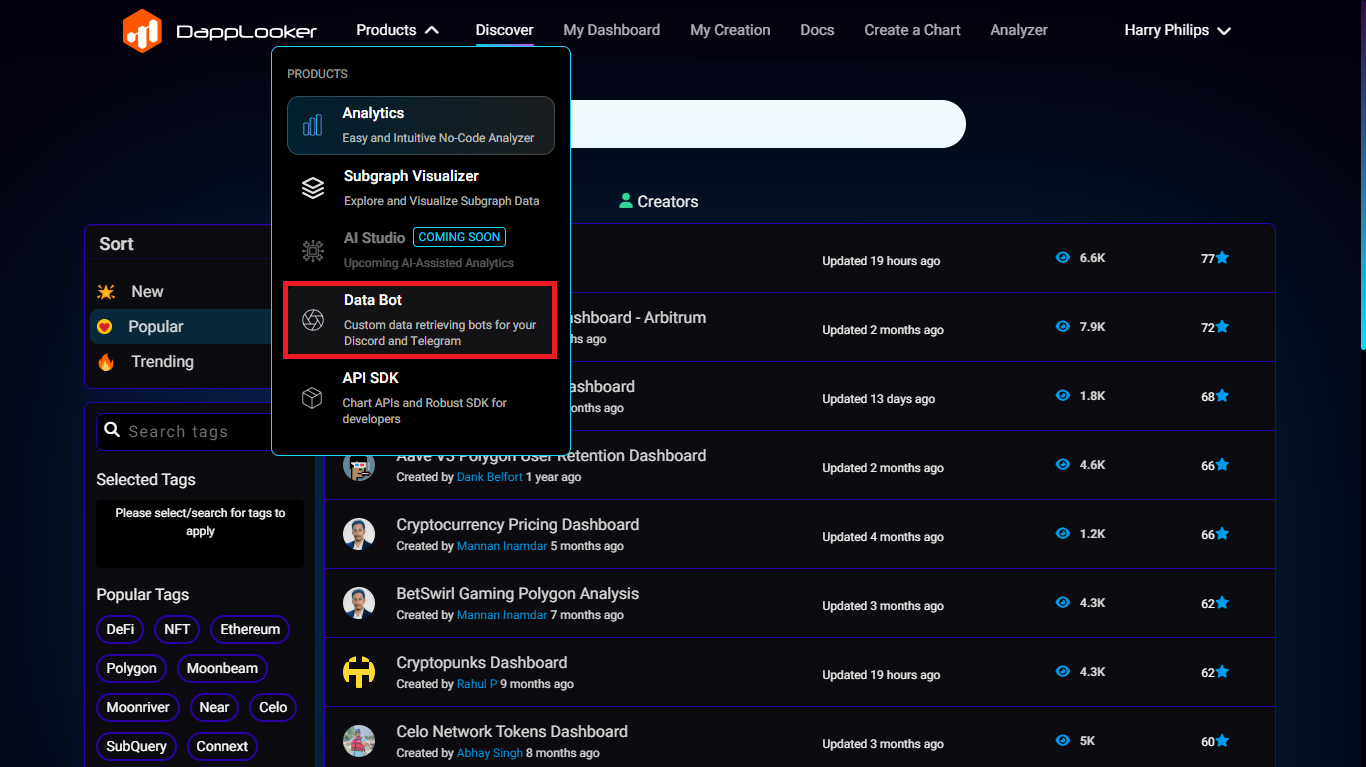
1. Visit [DappLooker Website](https://dapplooker.com/browse/dashboards?sort=popular) you will see the Products section Click on it, Dropdown menu opens Select Data bot and click on it.

<figure><img src="https://411387007-files.gitbook.io/~/files/v0/b/gitbook-x-prod.appspot.com/o/spaces%2FmieVdsFLVYWfiCpr2WSr%2Fuploads%2F4AC4ZoI5jvd4vqKYgKvC%2FScreenshot%202023-12-15%20114054.png?alt=media&#x26;token=16b5e39c-1913-4e28-8985-e350be946a01" alt=""><figcaption></figcaption></figure>

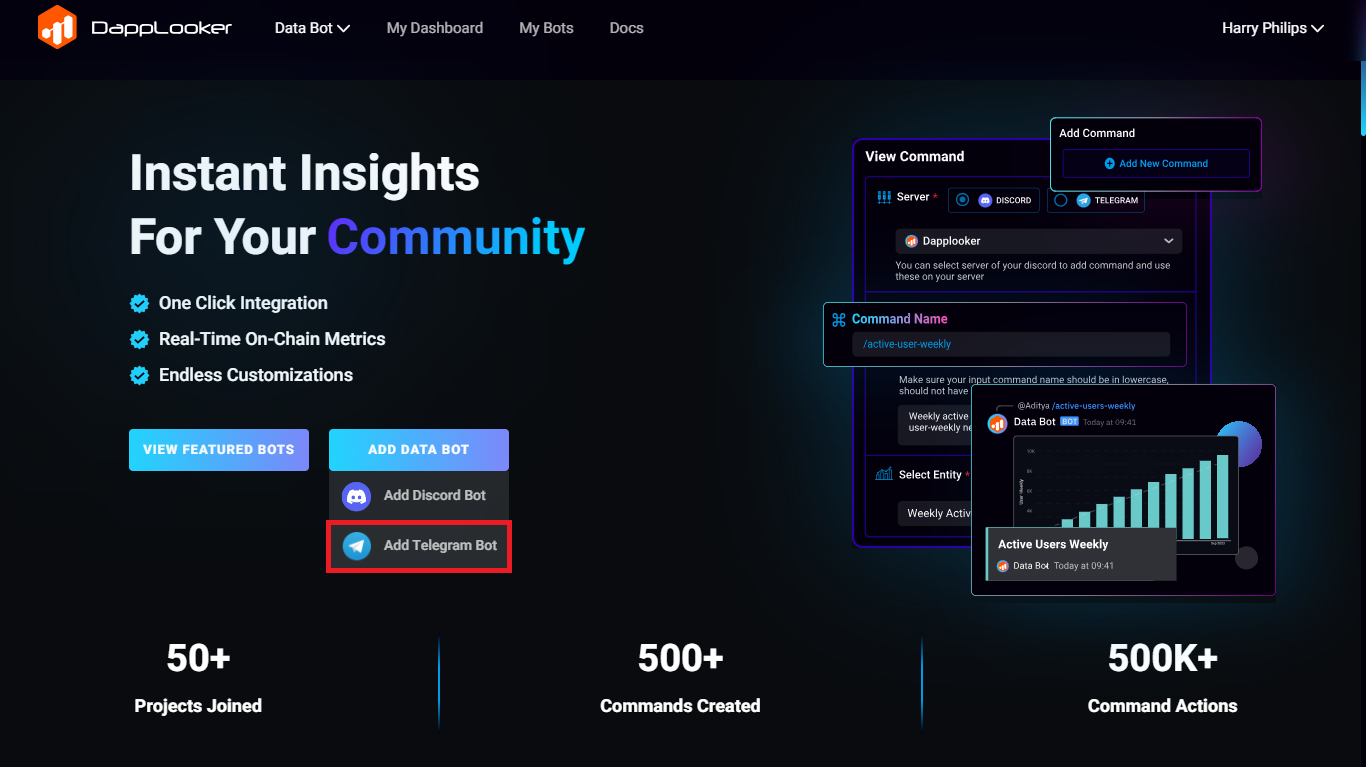
2. Once Data bot section opens, click on “Add to Telegram” button.

<figure><img src="https://411387007-files.gitbook.io/~/files/v0/b/gitbook-x-prod.appspot.com/o/spaces%2FmieVdsFLVYWfiCpr2WSr%2Fuploads%2F0e4Jf8P8ms6absBttclo%2FScreenshot%202023-12-15%20121656.png?alt=media&#x26;token=d2399387-c38a-4ee6-a037-350b81a2ce5a" alt=""><figcaption></figcaption></figure>

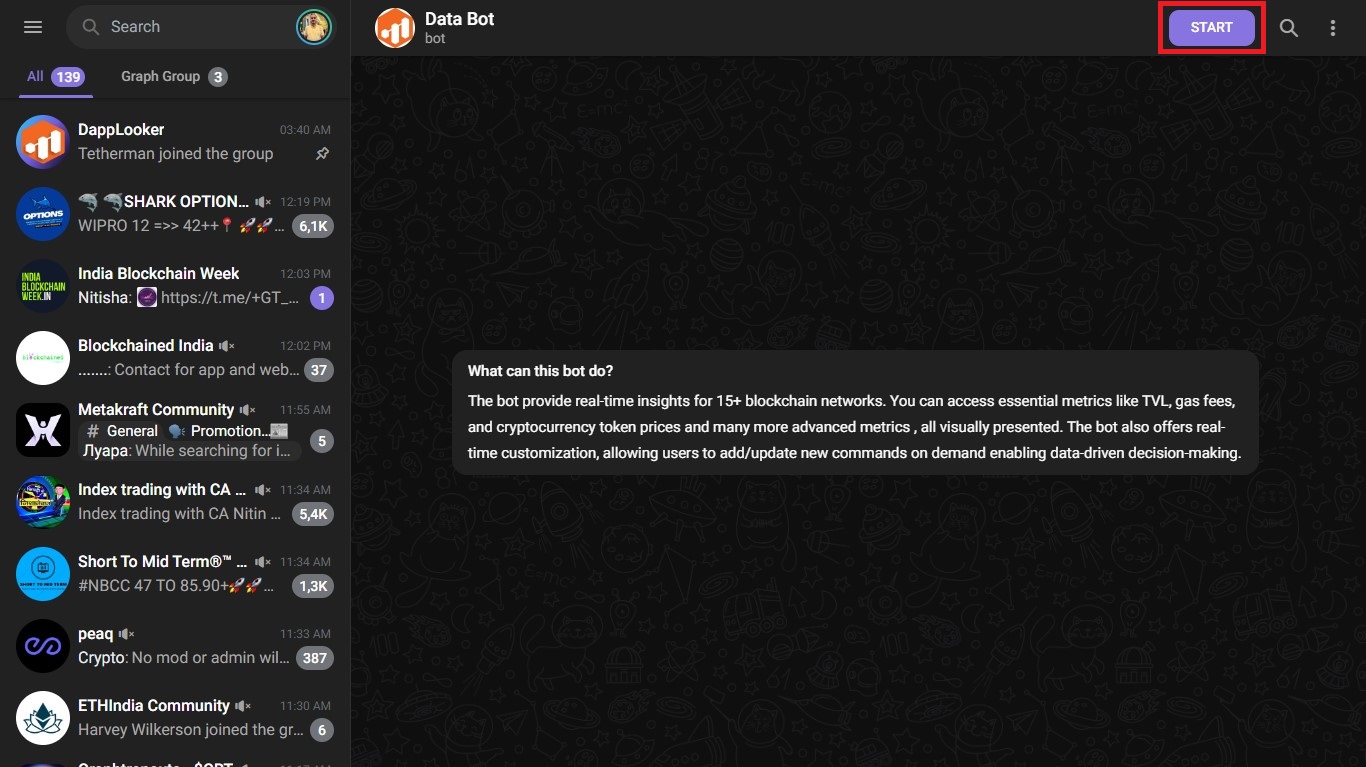
3. You will be redirected to the Telegram, Data bot will open and in the top right corner you will see the Start button click on it to get started.

<figure><img src="https://411387007-files.gitbook.io/~/files/v0/b/gitbook-x-prod.appspot.com/o/spaces%2FmieVdsFLVYWfiCpr2WSr%2Fuploads%2Fh1ypM7p20ivzyHHOZc37%2FScreenshot%202023-12-15%20122259.jpg?alt=media&#x26;token=36f1de8d-30ab-495e-a26f-9d1a1af2f443" alt=""><figcaption></figcaption></figure>

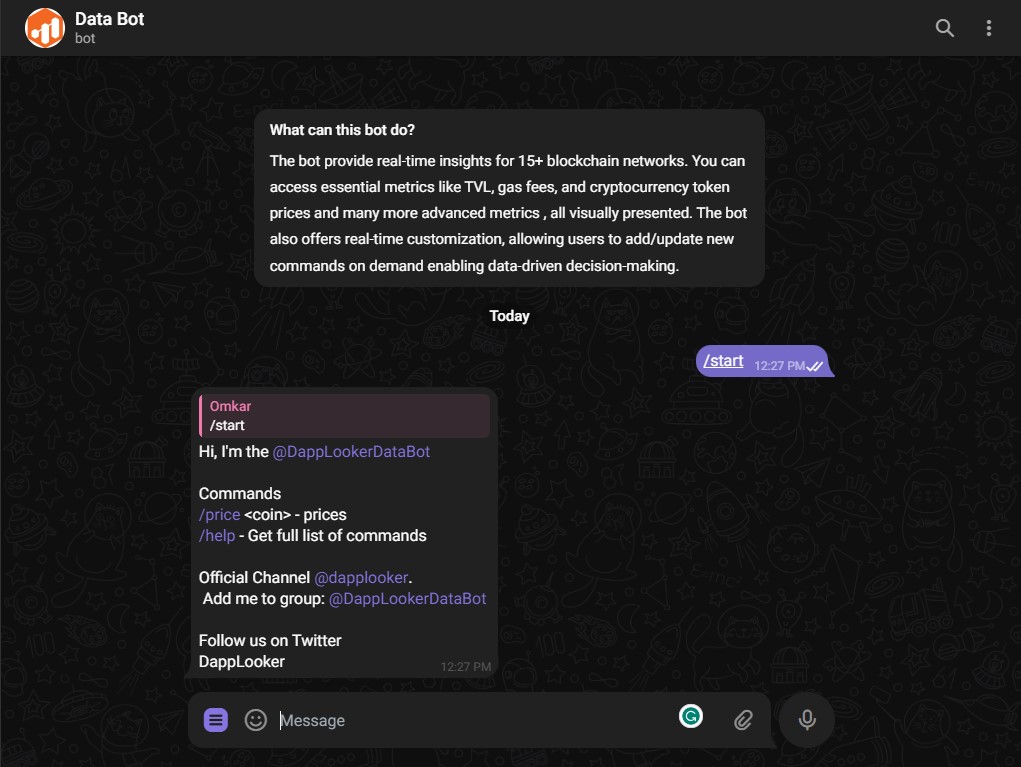
4. Once you click on Start button you will get a Data bot message, You can either access the data bot on DappLooker Channel or you add it to your group.

<figure><img src="https://411387007-files.gitbook.io/~/files/v0/b/gitbook-x-prod.appspot.com/o/spaces%2FmieVdsFLVYWfiCpr2WSr%2Fuploads%2FeQDcoAuwFCumtWOYdi2V%2FScreenshot%202023-12-15%20124822.jpg?alt=media&#x26;token=1c3b3a46-3203-4cca-a966-e091fea8a551" alt=""><figcaption></figcaption></figure>

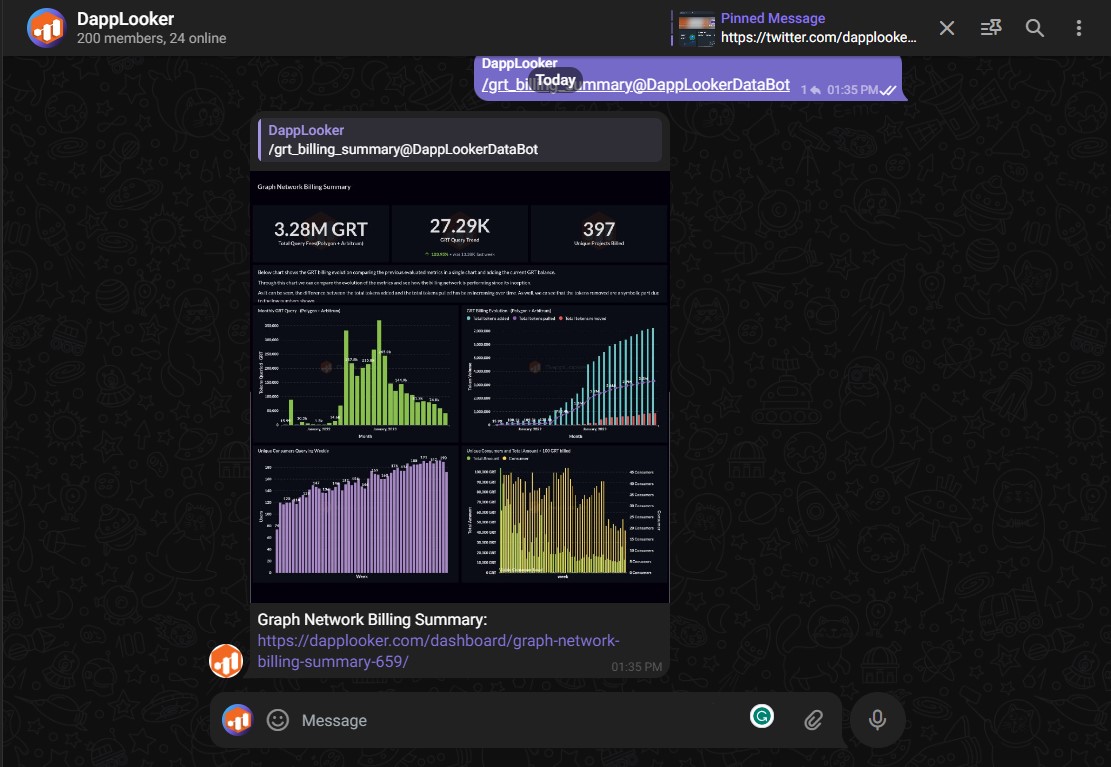
5. You can now use the bot commands to access data and insights. You can also customize the bot settings and preferences from the DappLooker dashboard. (Type " / Chart or dashboard name ")
<figure><img src="https://411387007-files.gitbook.io/~/files/v0/b/gitbook-x-prod.appspot.com/o/spaces%2FmieVdsFLVYWfiCpr2WSr%2Fuploads%2F93XTV1PDbtjL20WPA4wW%2FScreenshot%202023-12-15%20133655.jpg?alt=media&#x26;token=6512847f-9b12-45de-a8ab-ec6bc02606b4" alt=""><figcaption></figcaption></figure>